
Connect a Bitbucket Cloud repository
A Bitbucket Cloud connection takes a workspace, an API token and a repository. The form checks the token against Bitbucket before you save, and lists the repositories it can see so you pick one rather than type its name. The one thing the app cannot do for you is create the webhook in Bitbucket; that is a two-minute step at the end.
| GitHub App | GitHub (token) | Bitbucket Cloud | Diversion (beta) | |
|---|---|---|---|---|
| You provide | An App install, then you pick a repository. | Username, repository and a Personal Access Token. | Workspace and an API token. | Server URL, API token and the repository name. |
| Repositories you can pick | Any the App can see. | One you name. | Listed after Load repositories. | One you name. |
| Webhook | Created for you. | You create it, from Manage Webhook. | You create it, from Manage Webhook. | You create it. |
| Delivery is verified | No signature check today. Deliveries are matched to your App installation and repository. | No signature check today. | No signature check today. | No signature check today. |
| Branch list in the app | Yes. | Yes. | Yes. | No. You type the name. |
| Pushes to a branch you have not added | Recorded as a notice. | Recorded as a notice. | Acknowledged and dropped. Nothing is shown in the app. | Rejected, not recorded. |
| Version from releases | Yes. | No. | No. | No. |
If the form has a Personal Access Token field, you also create the webhook. The GitHub App path has neither.
Choose a credential
Bitbucket Cloud offers several kinds of credential, and the form accepts two of them. The hint at the top of the form says which to prefer: Bitbucket Cloud (bitbucket.org) only. Recommended credential: a repository or workspace access token minted from a shared machine account, so the connection does not break when a person leaves. Leave Username empty for access tokens; set it only when using an app password / user API token.
| Credential | Username field | Why choose it |
|---|---|---|
| Repository or workspace access token | Leave Username (optional) empty. | Belongs to the repository or workspace, not to a person, so it keeps working when someone leaves the team. This is the recommended choice. |
| App password or user API token | Set Username (optional) to the Bitbucket username the credential belongs to. | Tied to one account. Works, but the connection breaks when that account loses access or the credential is revoked. |
Whichever you mint, it needs read access to the repository: the form uses it to list repositories and branches, and the build machine uses it to clone. Self-hosted Bitbucket Server and Data Center are not supported; the form talks to bitbucket.org only.
Fill in the form
Open Connections and choose Bitbucket
In the project sidebar open Build Stream and then the Connections page. Click Add and choose Bitbucket. A new card expands with the form and an empty Branch Configuration: table beneath it.
Enter the workspace and the token
Workspace is the workspace slug from your repository URL, for example
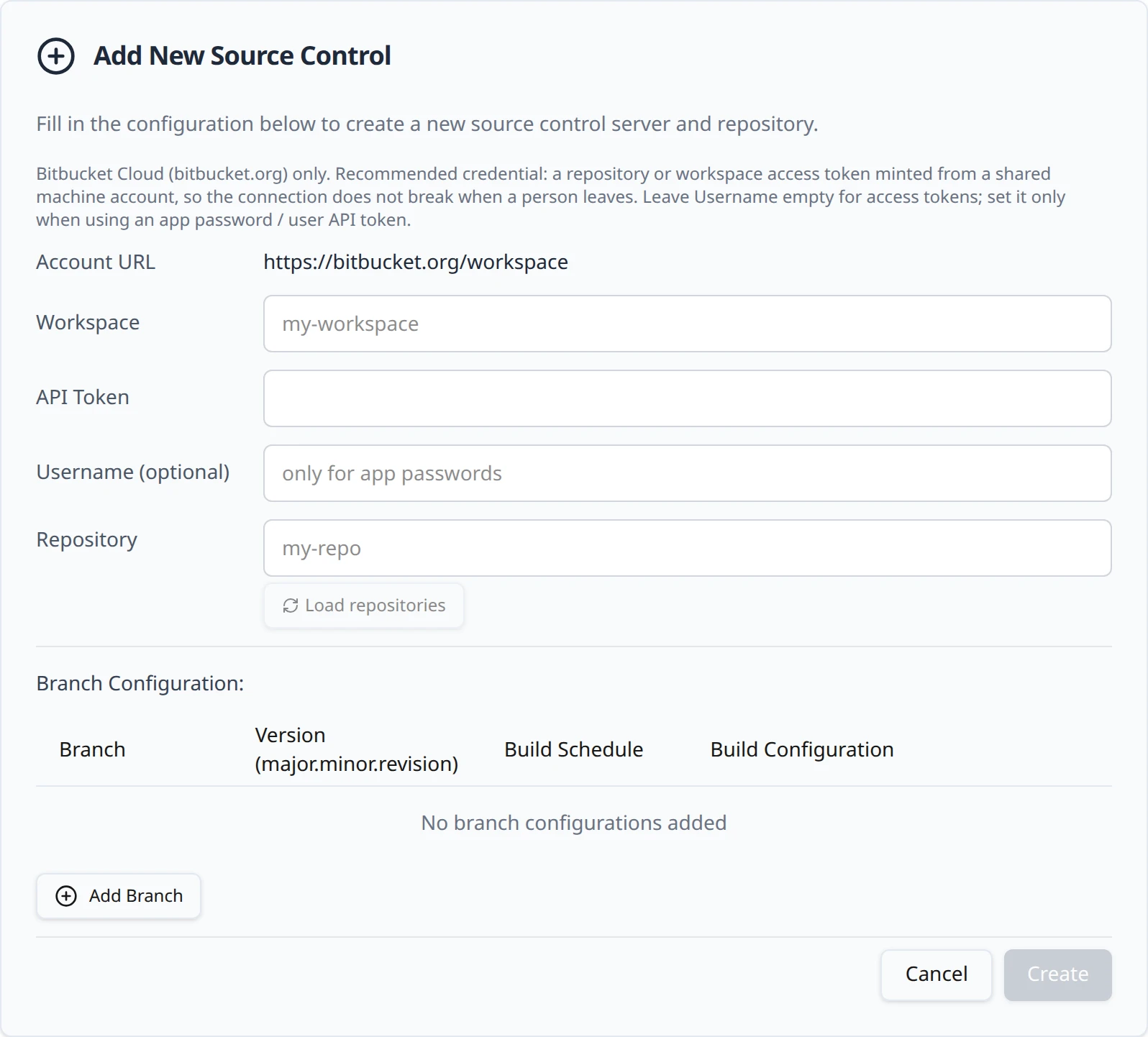
northwind-gamesfromhttps://bitbucket.org/northwind-games/starfall. Paste the token into API Token; it is masked as you type. Fill in Username (optional) only for an app password or user API token, as described above. The Account URL line above the fields updates as you type, so you can check the workspace and repository against the address you see in Bitbucket.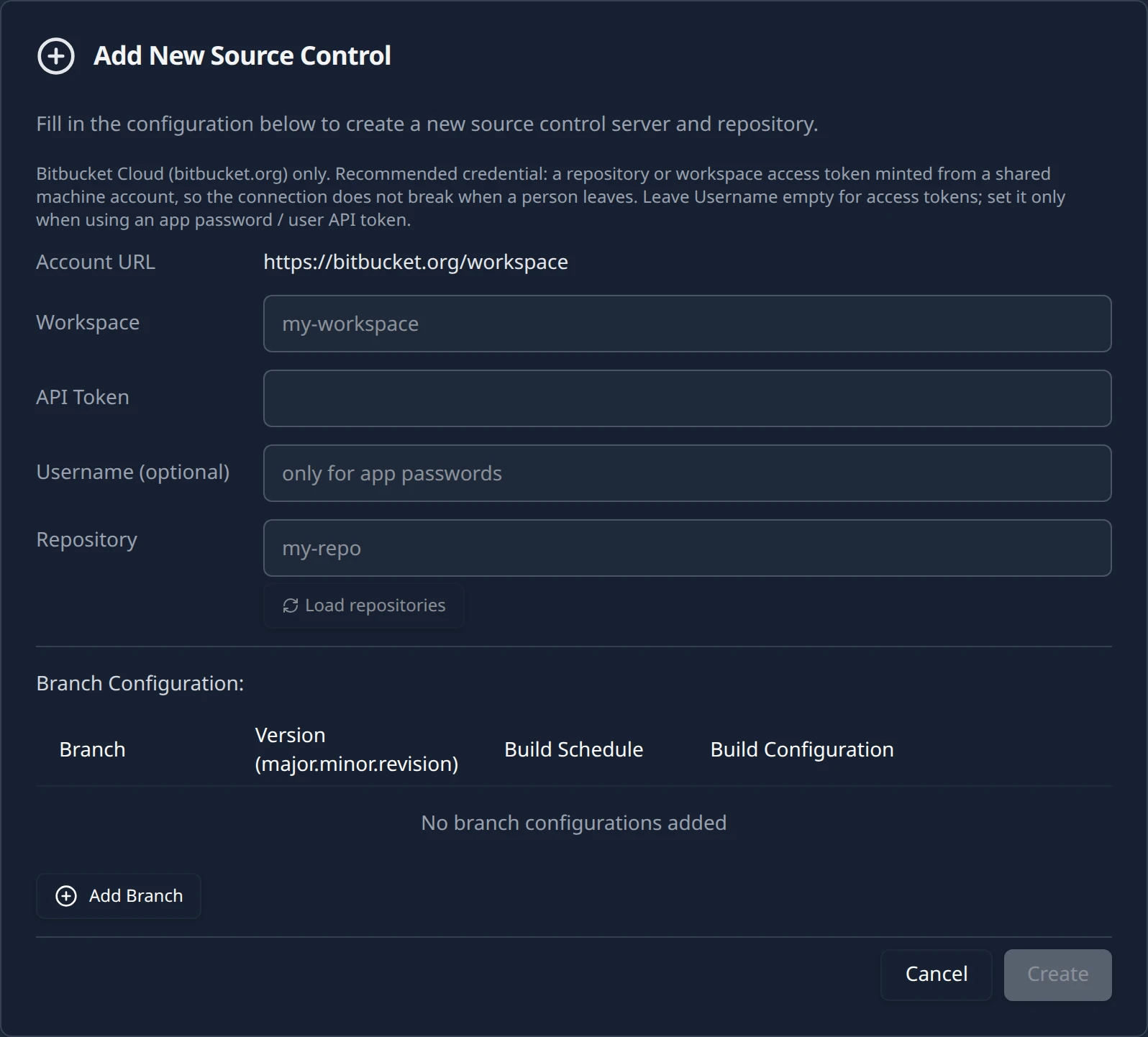
Load repositories
Click Load repositories. The button is disabled until the token field has something in it. The app asks Bitbucket which repositories the credential can see, scoped to the workspace you typed, and reports the result on the same line, for example Credential OK -- 3 repositories found. This is also your credential check: a rejected token is reported here, before anything is saved.
What the Load repositories line can say You see Why Do this Bitbucket rejected the API token. Bitbucket answered 401 or 403. The token is wrong, expired, revoked, or it is an app password used without a username. Paste the token again. For an app password or user API token, fill in Username (optional). Could not reach the Bitbucket API. Bitbucket did not answer, or answered with a server error. Wait a minute and click Reload repositories. If it persists, check Bitbucket's status page. The credential is valid but has access to no repositories. The token authenticated, but it cannot see any repository in that workspace. Grant the token (or the account it belongs to) read access to the repository, then reload. Pick the repository
Once the list loads, the Repository field turns into a searchable picker with the placeholder Search repositories.... Choose
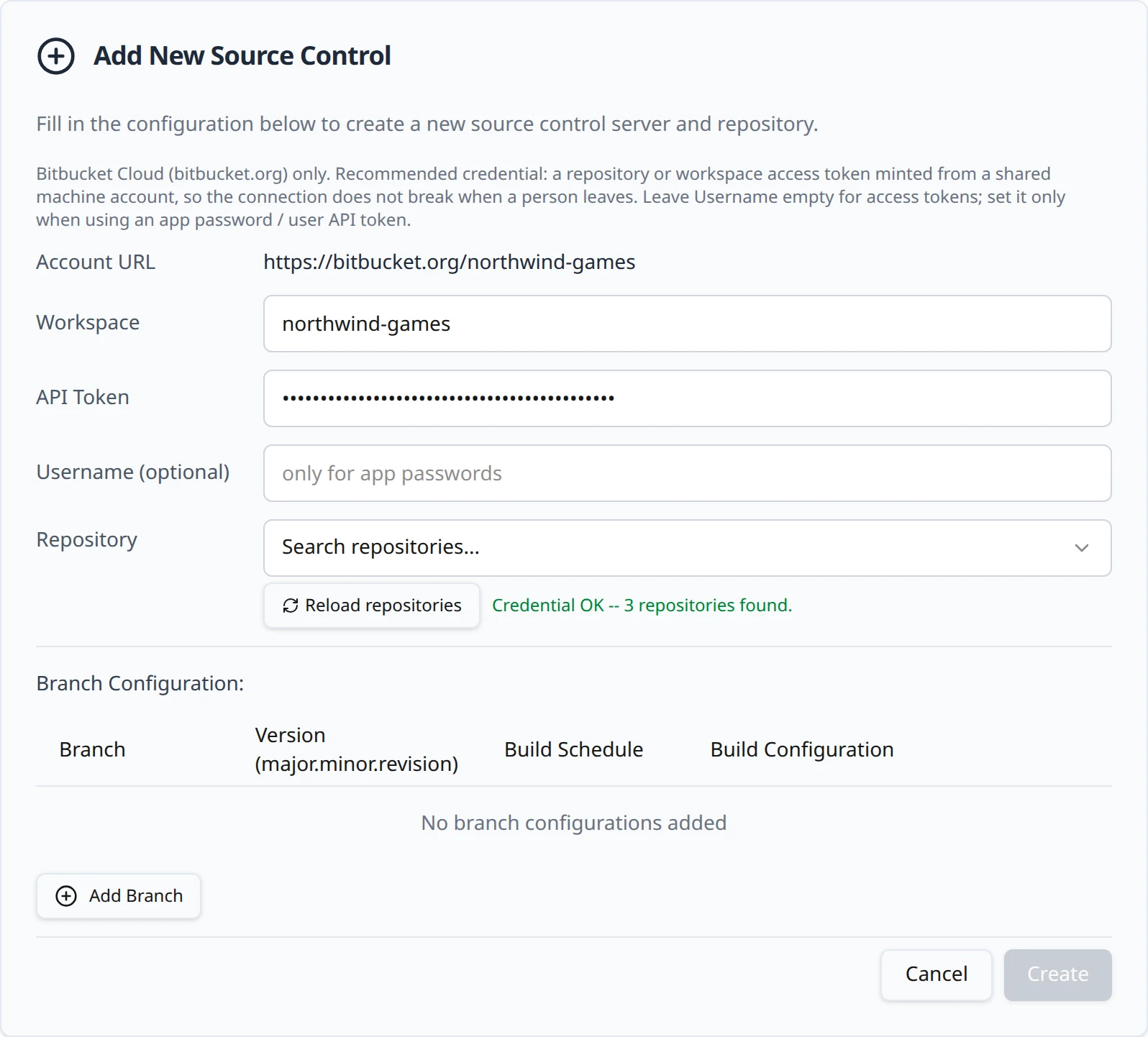
northwind-games/starfall. If the list could not be loaded, the field stays a plain text box where you type the repository slug; a typo there only shows up as a failed clone on the first build, so loading the list is worth it. The button reads Reload repositories after the first successful load.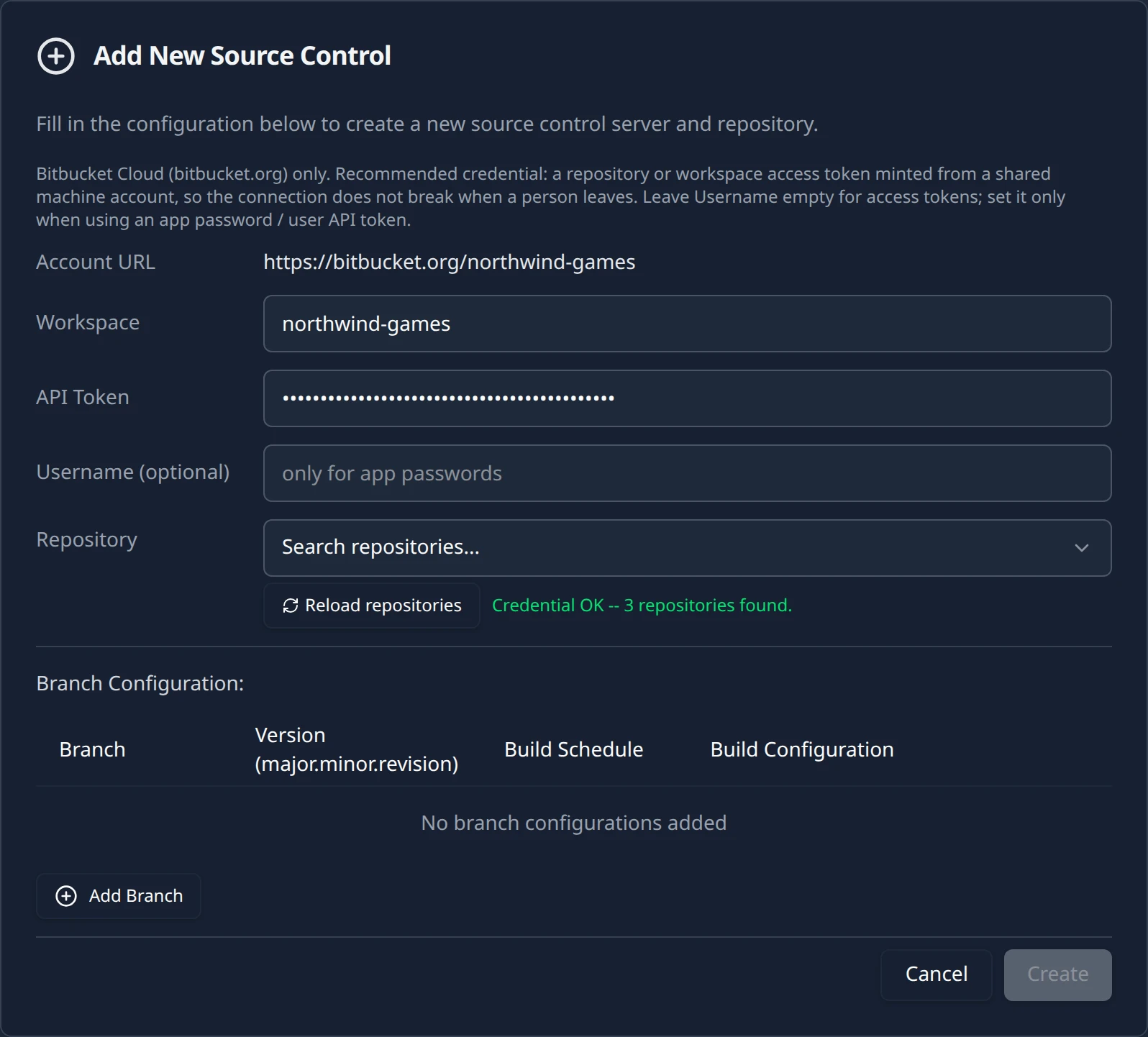
Create the connection
You can add branch rows now with Add Branch or leave the table empty and come back to it; the branch table is covered on Branches and build configurations. Click Create. The toast Source Control Added confirms it, and the form is replaced by a card titled
northwind-games/starfall.
Create the webhook
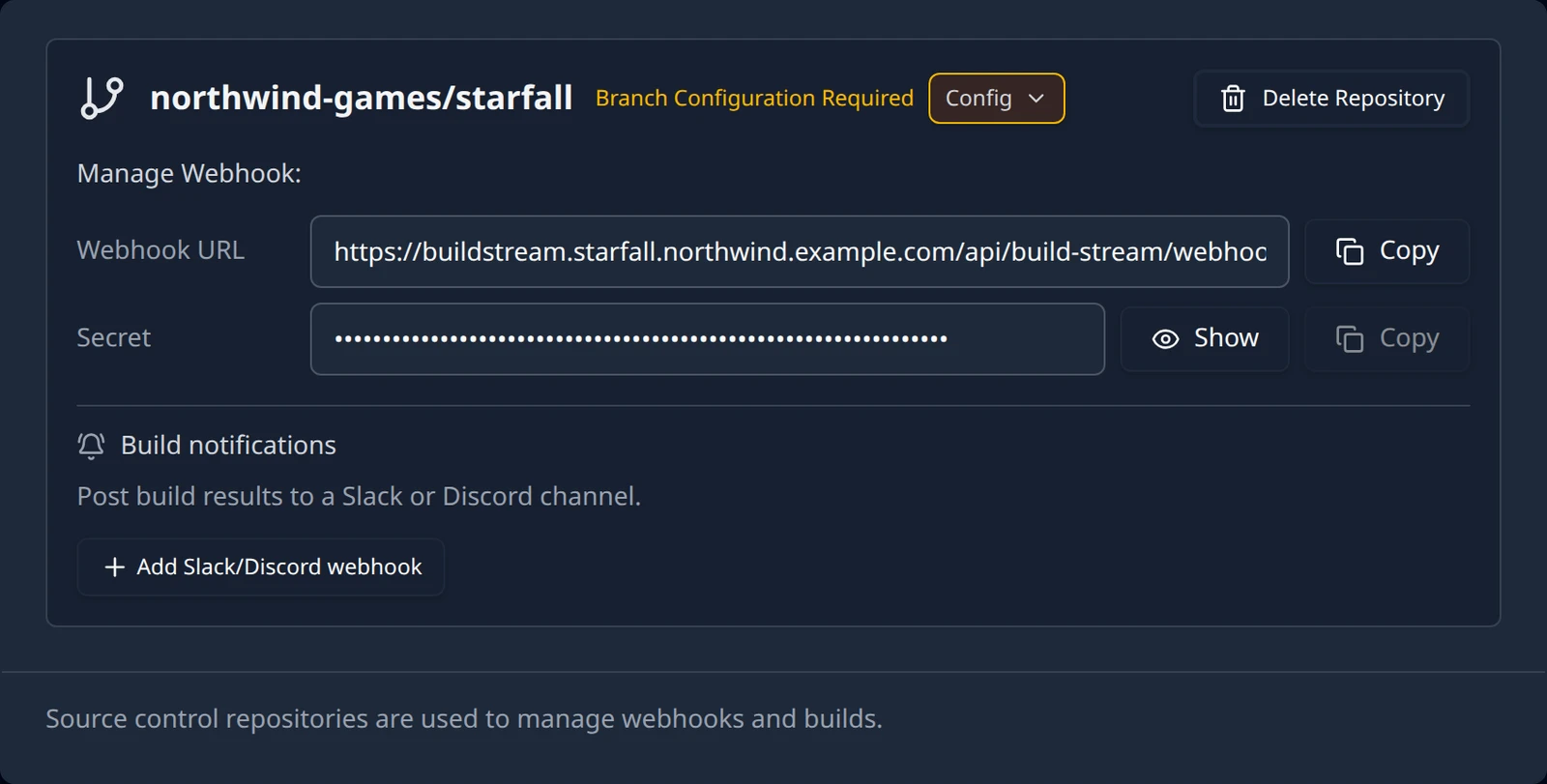
The card's Manage Webhook: block shows a Webhook URL with a Copy button, and a Secret that stays masked until you click Show. For this project the URL is:
https://buildstream.starfall.northwind.example.com/api/build-stream/webhooks/bitbucket/
On each delivery Build Stream reads the event type and ignores anything that is not a push. A push that touches several branches at once is handled branch by branch; tag pushes and branch deletions are ignored. A push to a branch you have not added to the Branch Configuration table is acknowledged and dropped, and nothing appears in the app for it, so add the branch before you expect a build from it.
Bitbucket lists each delivery with the response it received. A 200 with Processed in the body means the push was recorded; ignored with a reason means Build Stream saw it and chose not to act, and the reason names the branch or event. A 400 names the workspace or repository it could not match, which almost always means the repository was connected under a different workspace slug.
What to do next
The connection on its own builds nothing. Open the card with Config and add at least one branch with a build configuration; the branch picker lists the repository's branches from Bitbucket, so you choose main rather than type it. That page also covers versions, schedules and the farm warnings: Add a branch.
Two things differ from the GitHub paths. The version field is a plain text box, because release-based versions come from GitHub Releases only. And the card has no credential editor for Bitbucket today: to rotate the token, use Delete Repository and connect again. The delete dialog is explicit about what goes with it: This permanently deletes "starfall" and all of its branch configuration from this project. It cannot be undone. The repository on your source control provider is not affected. Note your branch rows before you delete so you can re-create them.
Then push to the branch you added and follow Your first build. If a push arrives in Bitbucket's delivery log but no build appears, work through Troubleshooting: webhooks or email [email protected] with the project name and the commit hash.
Something out of date or unclear? Email [email protected].